

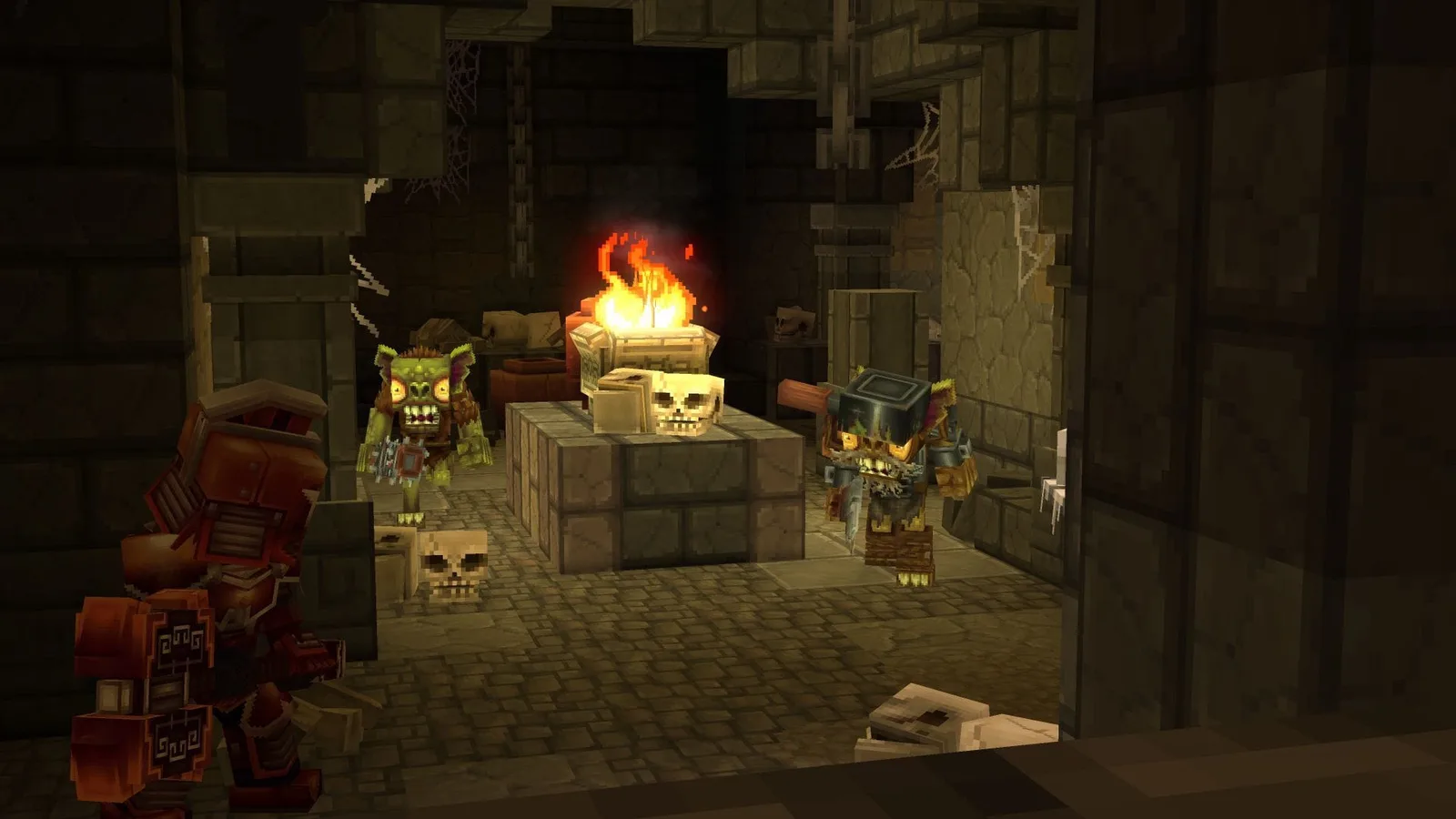
Hytale, the highly anticipated game from the creators of Hypixel, is facing technical issues that are frustrating players in January 2026. The error "A basket with that identifier does not exist" appears during checkout on the official store, preventing the completion of purchases, especially for early access. This problem affects fans who have been waiting for years for a chance to play, turning their anticipation into frustration due to a glitch that simply cancels the transaction.
The error occurs at the most crucial moment: right after the player clicks to buy, accepts the early access terms, and attempts to proceed to payment. Instead of the checkout screen, an error message pops up, and the only option is to close it, which automatically cancels the entire purchase. This behavior suggests that the online store loses track of the user's session mid-process, as if the virtual "shopping basket" simply disappears before payment. For the community, which has been following the development for years, this unexpected barrier is a major obstacle.
Potential Solutions for the Hytale Store Error
If you're experiencing this issue, there are a few things you can try to get your purchase through. The first and simplest is to try using a different browser. Since the error seems to be tied to corrupted sessions, starting the process in a new browser, such as Chrome, Firefox, or Edge, might generate a fresh, clean session. Additionally, it's recommended to log into your Hypixel account before attempting to purchase again, as the site redirects to this step regardless.
Another common cause of checkout failures is ad blockers and script blockers. Extensions like AdBlock or the Brave browser in its blocking mode can interfere with the store's processes that manage the cart and payments. Therefore, temporarily disabling these tools for the Hytale Store website and reloading the page might be the solution. If the error persists, the next step is to clear your cookies and site data specifically for the Hytale domain. This action will reset any old or corrupted session information that might be causing the error loop.
What If Nothing Works? Contact Support
If none of the above solutions resolve the problem, the most direct path is to contact Hypixel's customer support. When reporting the error, be clear and specific: describe that the "A basket with that identifier does not exist" message appears after confirming the early access notice and that the only action possible is to close the window, aborting the purchase. In the meantime, the community awaits an official statement from the developer regarding a permanent fix for this glitch, which could impact the initial sales of the highly anticipated game.