
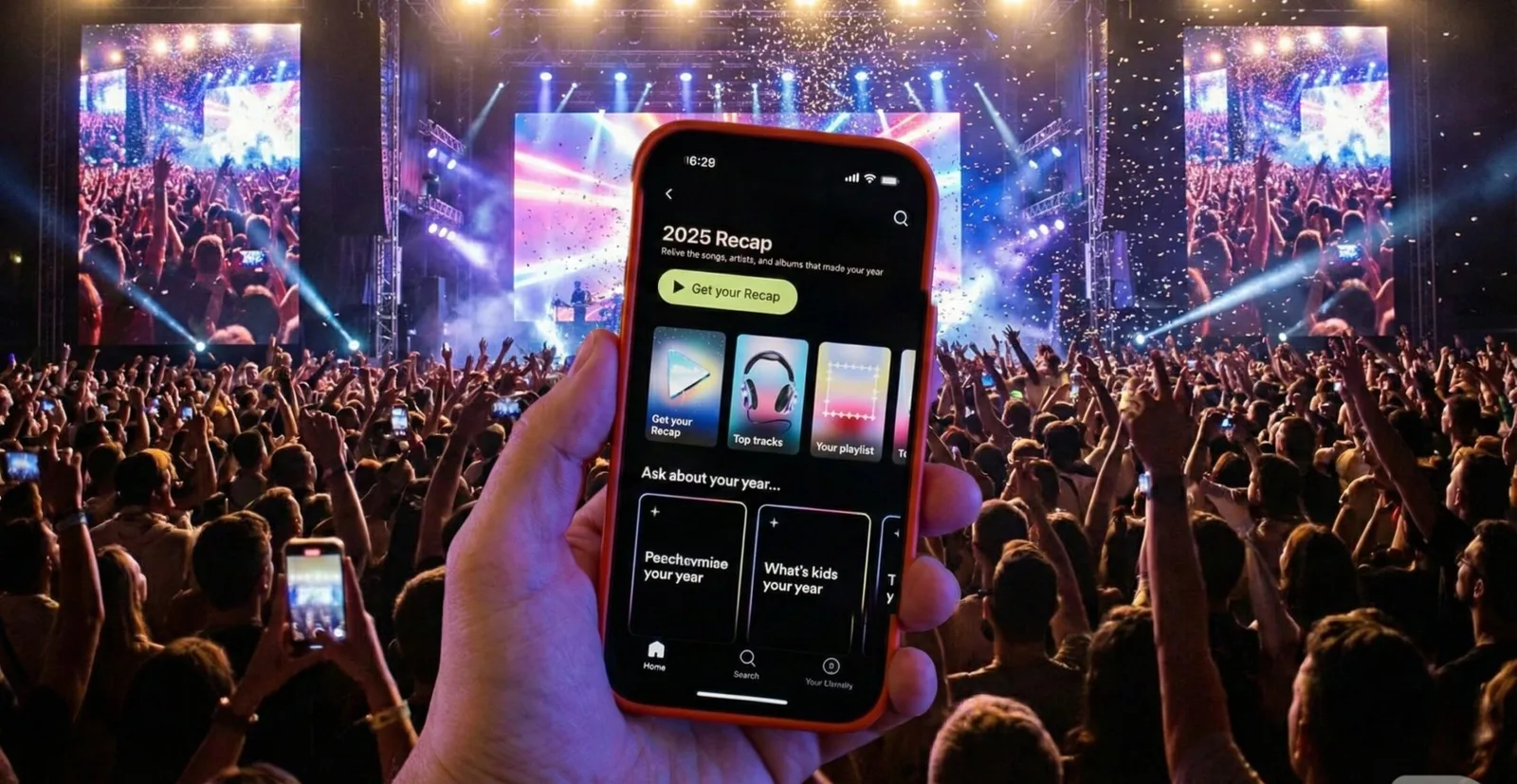
The wait is over for audiophiles in the Google ecosystem. The YouTube Music Recap 2025 has been officially released, bringing a deep, colorful, AI-powered analysis of your listening habits over the year. If you want to know exactly how many minutes you spent listening to your favorite artists, what the definitive soundtrack of your last 12 months was, or how to activate the exclusive integration with Google Photos, the feature is already highlighted in the apps for Android and iOS.
This year, the tech giant not only anticipated the retrospective trend but also introduced unprecedented features based on Gemini, its advanced AI, to compete directly with the ubiquitous Spotify Wrapped.
How to Access YouTube Music Recap 2025 (Step by Step)
Unlike previous years, where access could be confusing between the video and music apps, Google unified the experience in the 'You' tab. Follow the tutorial below to generate your shareable cards right now:
1. Open the app: Make sure the YouTube Music app (or the main YouTube app) is updated to the latest version on the Play Store or App Store.
2. Tap your profile picture: Located in the top right corner of the screen.
3. Select 'Your Recap': A specific tab or a colorful banner saying 'Recap 2025 is here' should appear in the menu.
4. Watch the Stories: The retrospective will start automatically in vertical format (stories), allowing you to tap the screen to advance or hold to pause and read the statistics.
5. Download or Share: On each card (Top Artists, Total Minutes, Genres), there will be a share button to send directly to Instagram, TikTok, or WhatsApp.
Editor's Note: If the banner doesn't appear immediately, try force closing the app and clearing the cache. The rollout happens in global waves and may take a few hours to reach 100% of devices.
Exclusive New Features: Gemini AI and 'Music Passport'
The big differentiator of the YouTube Music Recap 2025 is the depth of data. While competitors focus only on rankings, Google is using its data infrastructure to create narratives.
- Music Chatbot with Gemini: For the first time, you can 'chat' with your retrospective. You can ask things like 'What was the saddest song I listened to in July?' or 'Compare my music taste from 2024 to 2025', and the AI will generate personalized insights.
- Music Passport: A visual feature that maps the geographic origin of the artists you listened to most, creating a true world map of your sonic identity.
- Memory Album (Google Photos Integration): Perhaps the most exciting feature. If you allow it, Recap syncs your most listened songs with photos taken in the same period, creating nostalgic and 100% personal video clips that no other streaming service can replicate.
Why Didn't My Retrospective Appear? (Troubleshooting)
It's common to see frustrated users on social media claiming that the 'Recap' button is not visible. There are strict technical criteria for the algorithm to generate the data:
- Minimum Listening Time: You need to have accumulated at least 10 hours of music playback on the YouTube Music platform.
- Artist Variety: Accounts that repeatedly listened to only one or two artists (often used in commercial accounts or lo-fi for sleep) may not have enough data to generate the 'personality' analysis.
- History Disabled: If you use the account with 'Watch history' paused in Google's privacy settings, the platform couldn't track your data and consequently cannot generate the report.
The Battle of the Retrospectives: YouTube vs. Spotify
The launch of Recap 2025 heats up the annual 'cold war' of streaming services. While Spotify Wrapped dominates social virality with pop design and engaging copy, YouTube Music bets on ecosystem integration (Video + Audio).
This year, YouTube also launched the Video Recap (for the main app), which categorizes your personality based on creators, vlogs, and podcasts watched. This creates a competitive advantage: Google knows not just what you listen to on the bus, but what you watch on the living room TV, offering a holistic view of your media consumption that Spotify, limited to audio, cannot achieve.
For undecided users, the visual appeal and the ability to integrate personal photos make YouTube's Recap a more 'emotional' experience, while Spotify remains the king of 'quick sharing'. Regardless of your choice, December marks the time to judge (or be proud of) your questionable music taste.