
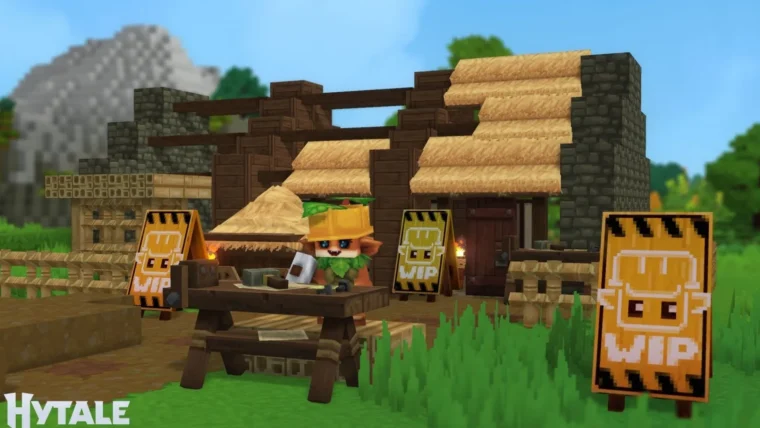
Hytale, the highly anticipated sandbox RPG, finally hit the market in early 2026. Developed by Hypixel Studios, the game had its official launch on January 13, 2026, bringing a world of adventure and creation to fans. The good news for owners of Valve’s handheld is that, thanks to a native Linux build, you can indeed play Hytale on the Steam Deck. However, the process requires a few manual steps, since the title is not available directly on the Steam store. This matters because it lets Brazilian players take the full game experience anywhere, expanding accessibility and convenience.
Installation works by manually adding the game’s launcher to your Steam library. So, after completing the download, you need to open the Steam Deck’s Desktop Mode to set up access. That is why we prepared a clear guide so you do not run into trouble. In other words, with a little configuration, you will have the universe of Hytale in the palm of your hand.
Step by step: installing Hytale on Steam Deck
First, download the official Hytale launcher in Desktop Mode on your Steam Deck. Once the download finishes, log in with your credentials. To improve accessibility and integrate the game into your handheld experience, add the title to your Steam library. To do this, click the “Applications” button and open the “Games” tab.
Next, right-click “Hytale Launcher” and choose the “Add to Steam” option. After this step, you can return to Gaming Mode. However, if you have trouble logging in directly in that mode, the fix is simple: go back to Desktop Mode, enter your credentials, and start the game. After that, you can switch back to Gaming Mode without interrupting your session. This way, you ensure smooth gameplay on the handheld.
Hytale’s arrival in 2026 shakes up the sandbox RPG scene, and Steam Deck compatibility, even via manual setup, is a major win. Players thus gain another strong option for the handheld’s catalog, promising many hours of exploration and creativity anywhere.
💬 Comentários (0)
Deixe sua teoria ou opinião sobre esta matéria.
Nenhum comentário por enquanto. Seja o primeiro a comentar!